How to Register a Jazz Improvisation (Improv) Work

Did you know you can now submit Performance Reports for improvised jazz performances?
Your works must be registered correctly to ensure all participating musicians receive their share.
This guide explains who can claim, how to register improv works, and how to claim for performances.
1. How to Register an Improvisation Work
To register an improvisation, follow the same base steps as registering a standard work (log in to the Writer Portal → Works tab → Register a New Work), as outlined on the APRA AMCOS “How to Register Song” page.
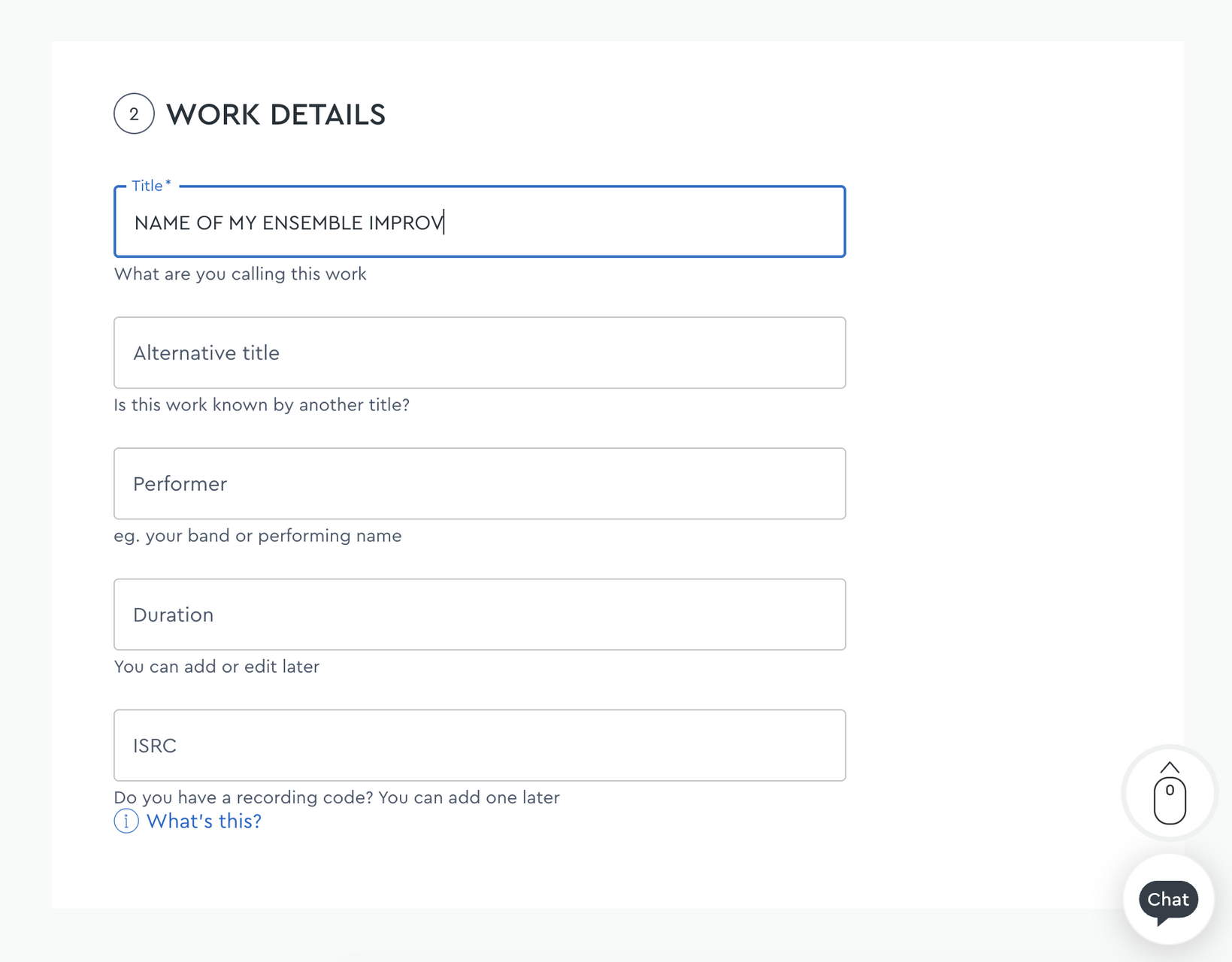
Apply these additional requirements specific to improvised works:
A. Work Title Format
Members must register the work using the ensemble name followed by the word “IMPROV”.
For example, NAME OF ENSEMBLE IMPROV
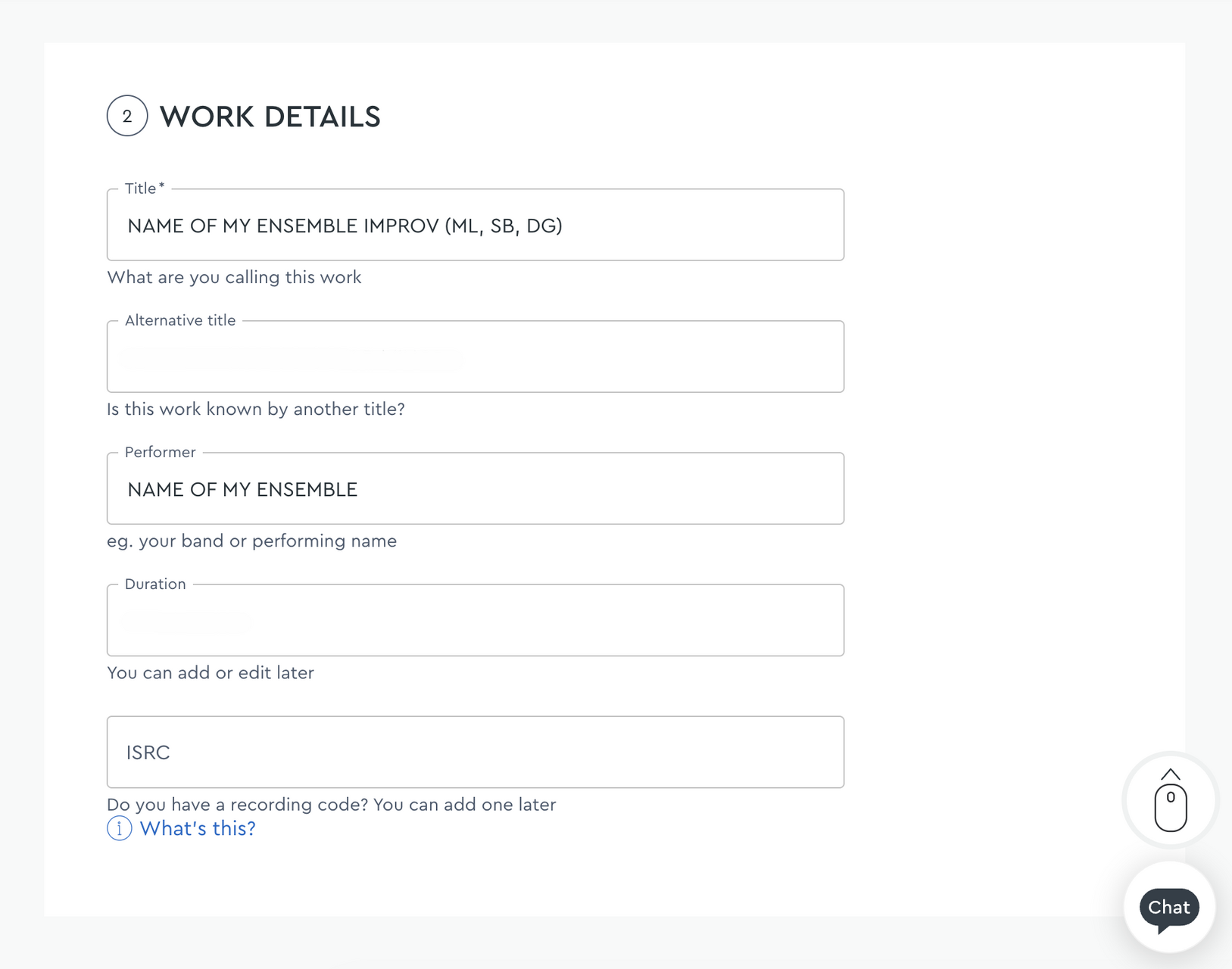
B. Works With Rotating Ensemble Members
If the ensemble line-up changes from performance to performance, list the participating members’ initials in brackets.
For example: NAME OF ENSEMBLE IMPROV (RM, JM, KD)
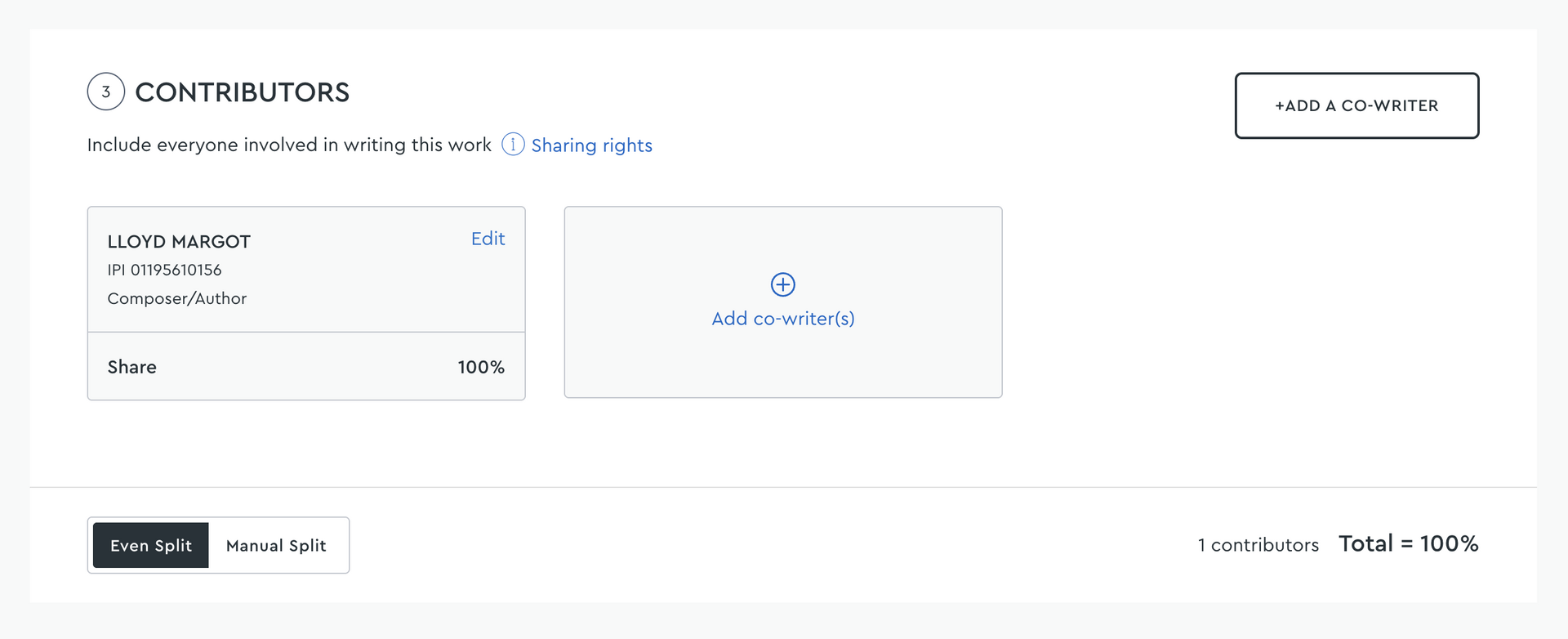
C. Shares / Splits
Allocate shares to all members of the ensemble who took part in the improvisation.
This aligns with the existing APRA AMCOS requirement that all contributors and agreed splits must be declared at registration.
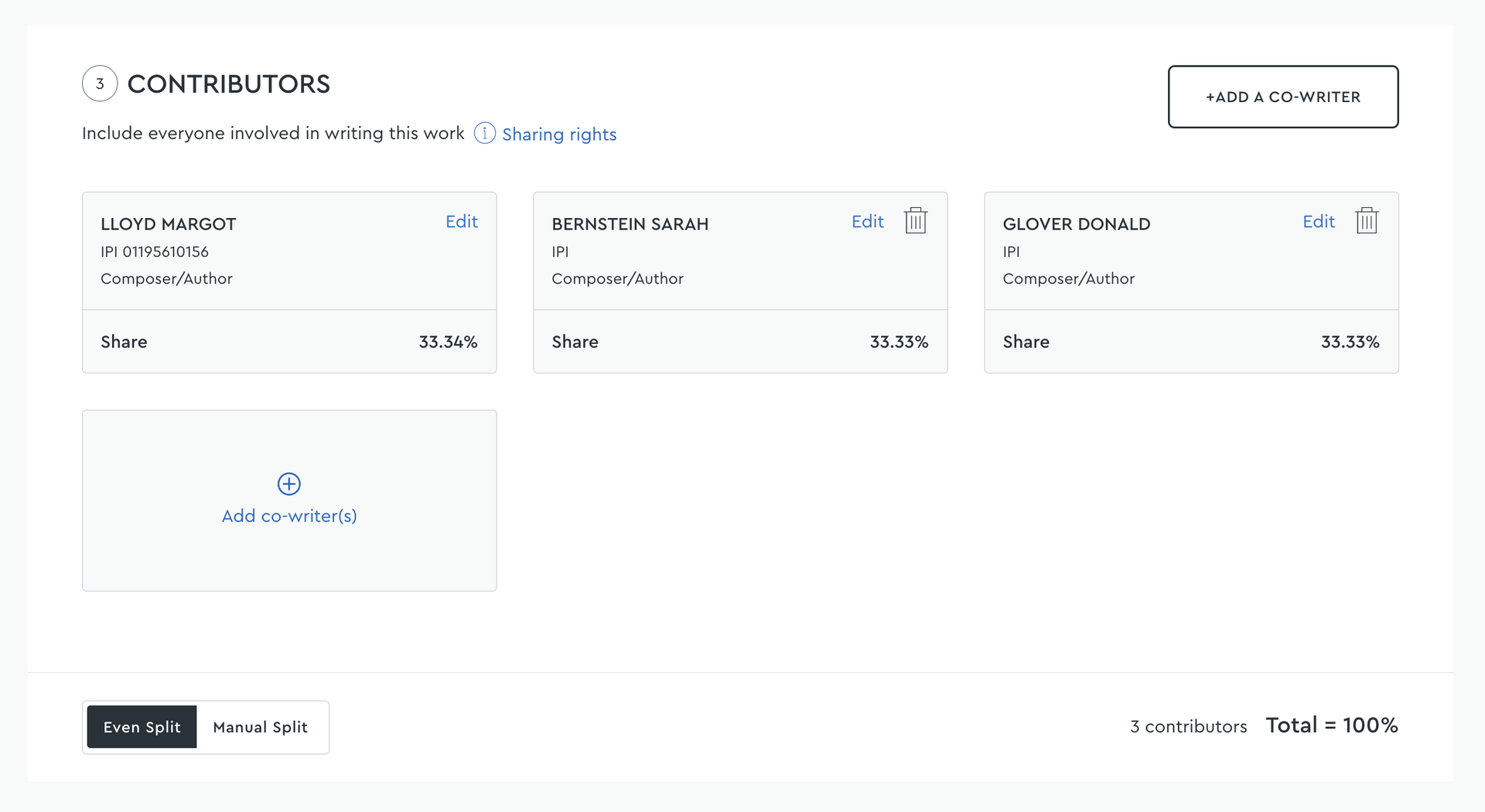
Add a new contributor or select from the Saved co-writers list
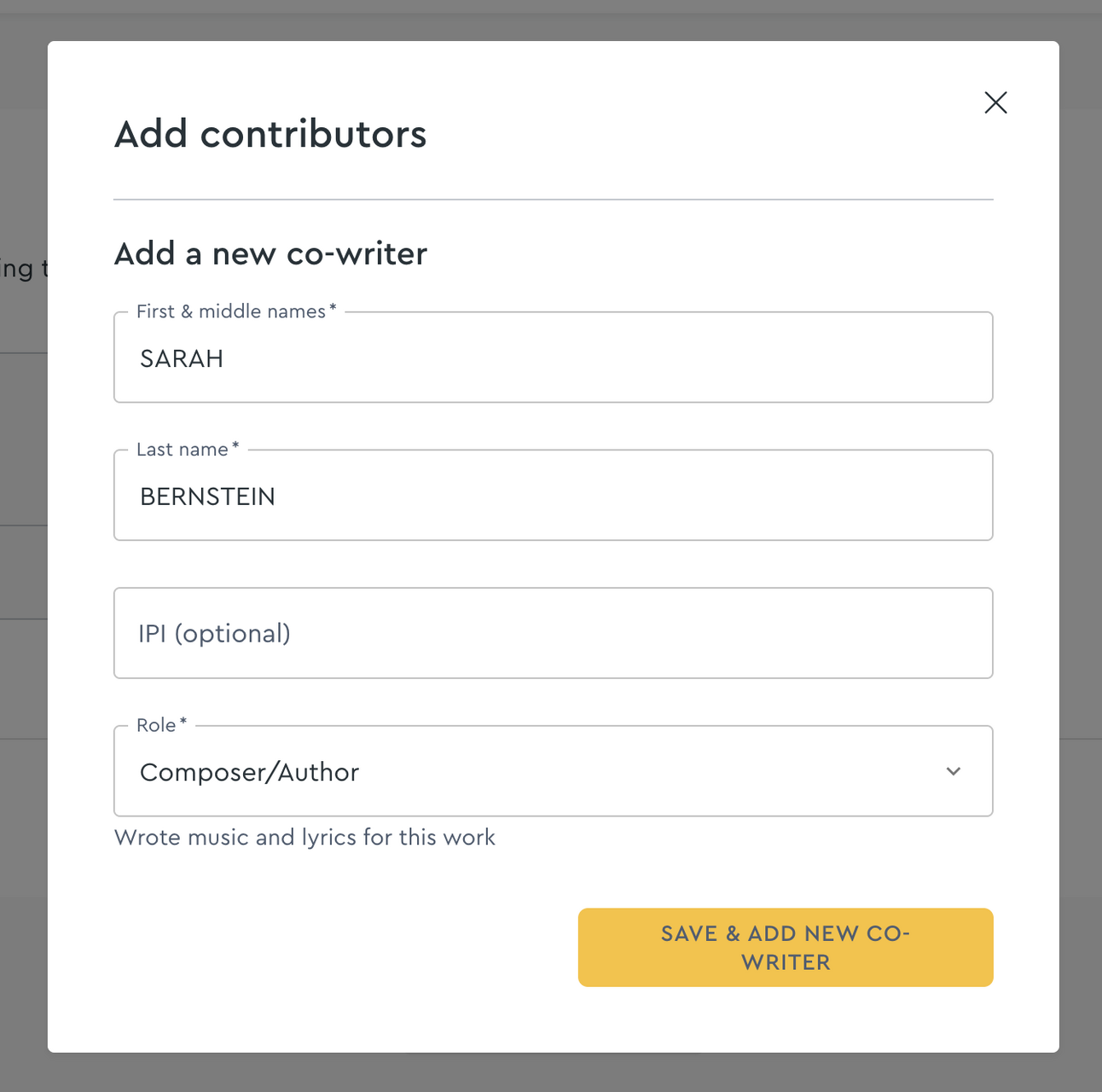
If adding a new contributor, fill in their information and click "Save & add new co-writer"
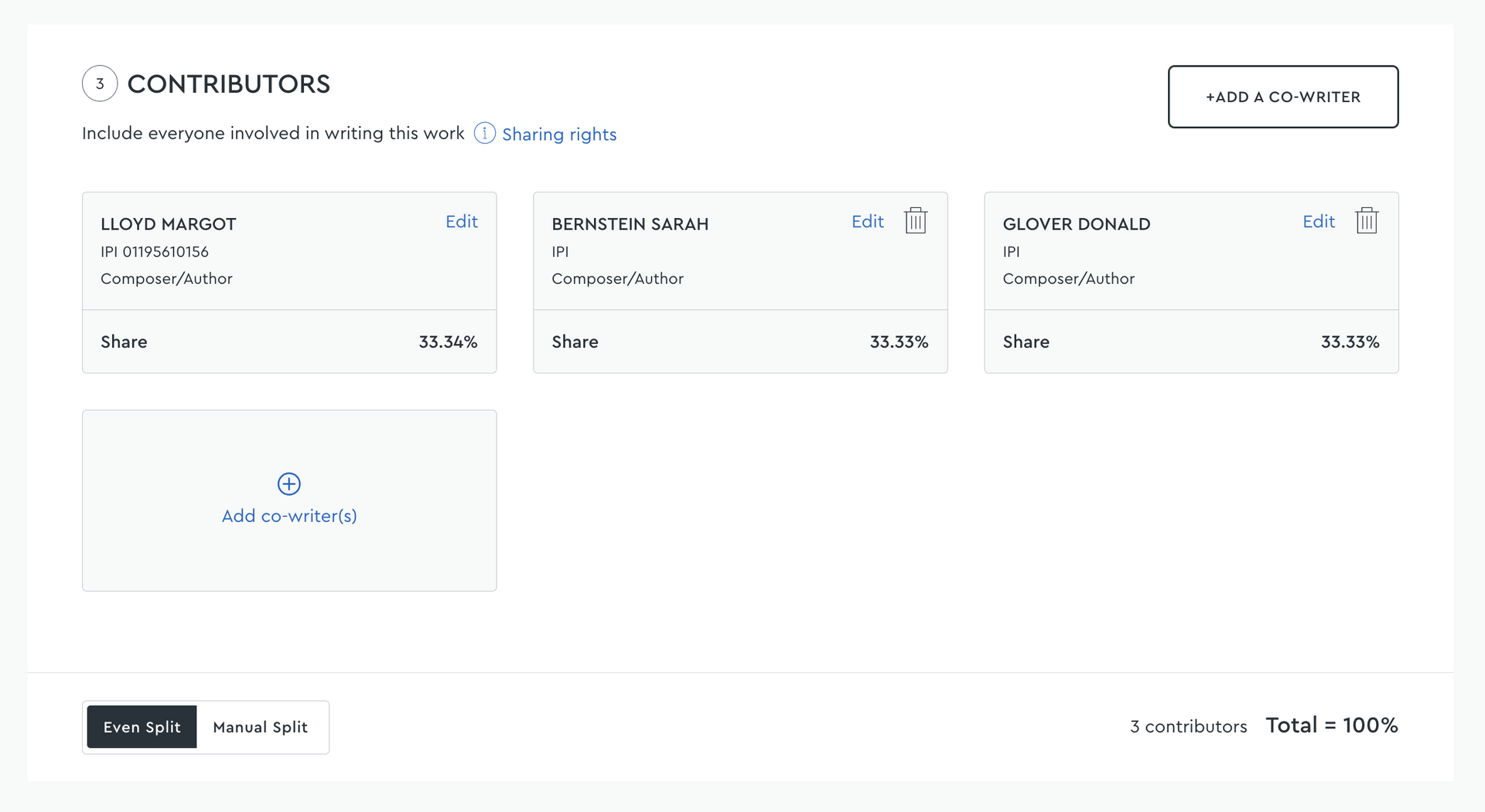
Continuing adding all contributors and check the work share.
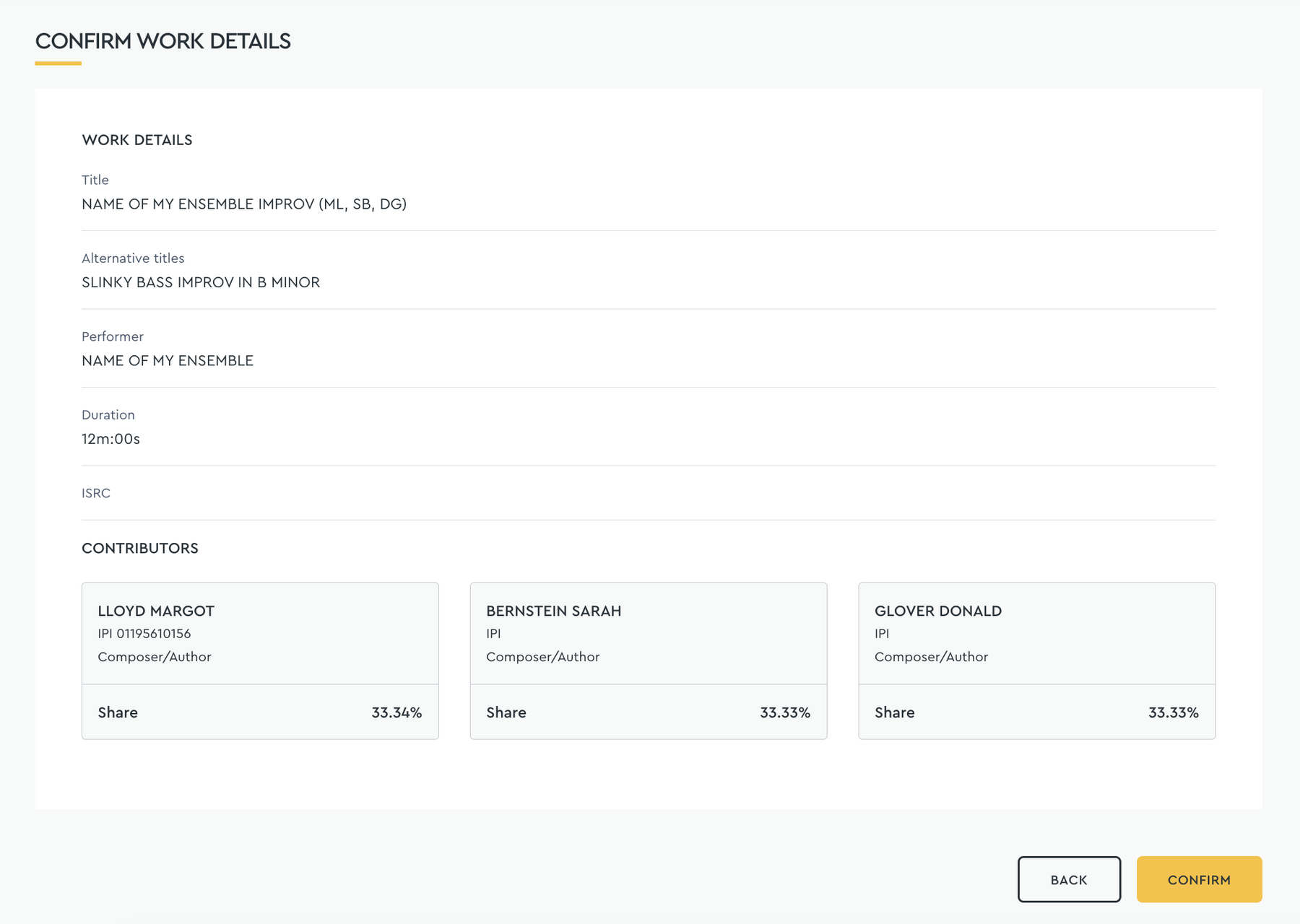
Check the work details are correct. Click "confirm".

Watch Leah Berry register her improvised works
2. How to Claim for a Jazz Improvisation
When lodging a Performance Report for an improvisation:
A. Submit Both Works
For each improvisation performed, members must submit:
- The original work the ensemble is working off
- The registered improv work
B. Payment Rules
- The improv work will be paid at the duration supplied on the Classical Performance Report.
- The original work will be paid at the standard rate.
C. Example Claim Format
ORIGINAL WORK 1 registration
ENSEMBLE NAME IMPROV registration
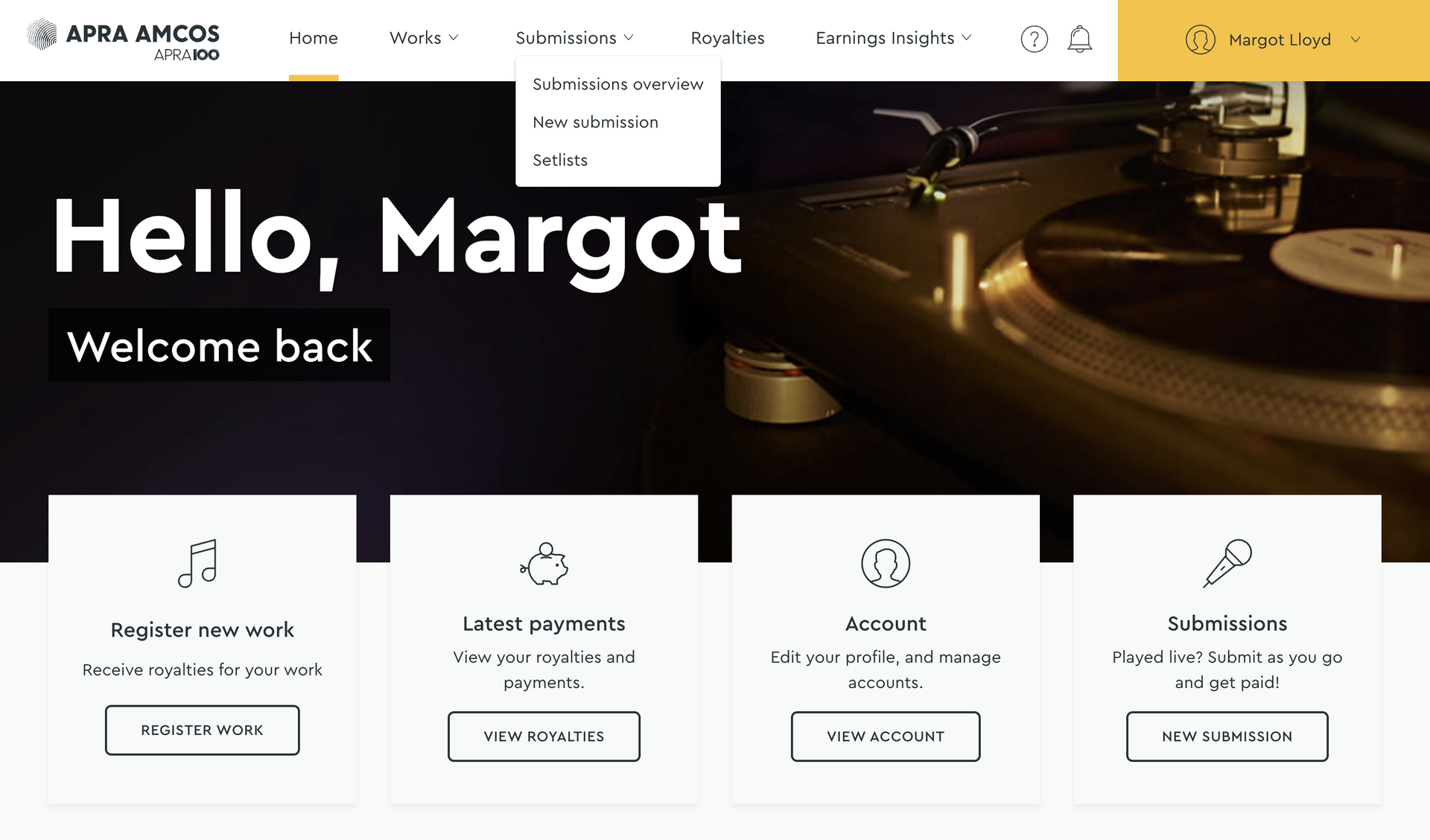
Navigate to Submissions and select Submissions overview from the dropdown list.
Click "new submission"
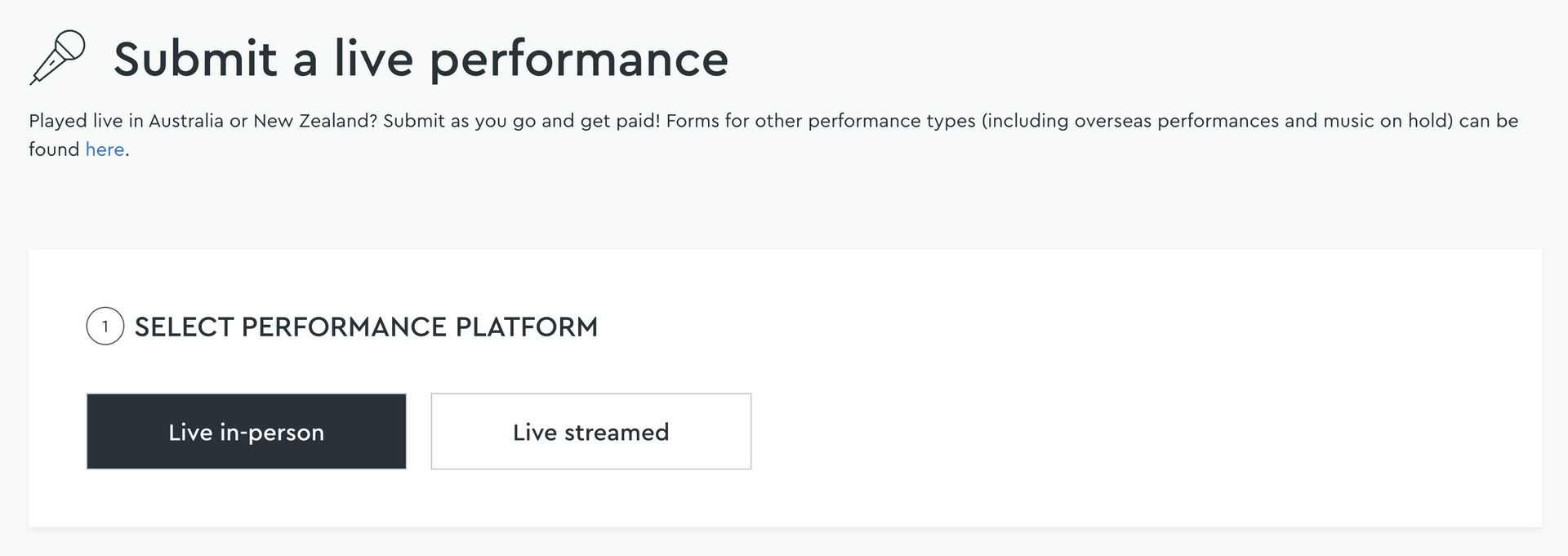
Select Live in-person. Then fill in Performance Location details.
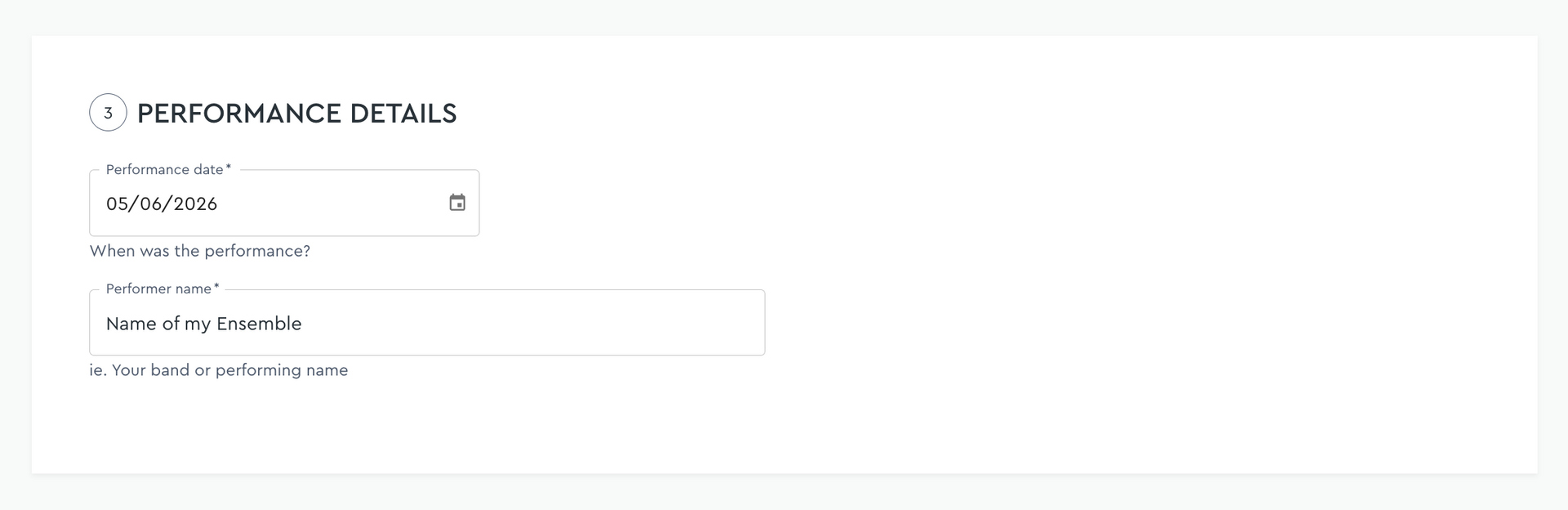
Fill in Performance Details
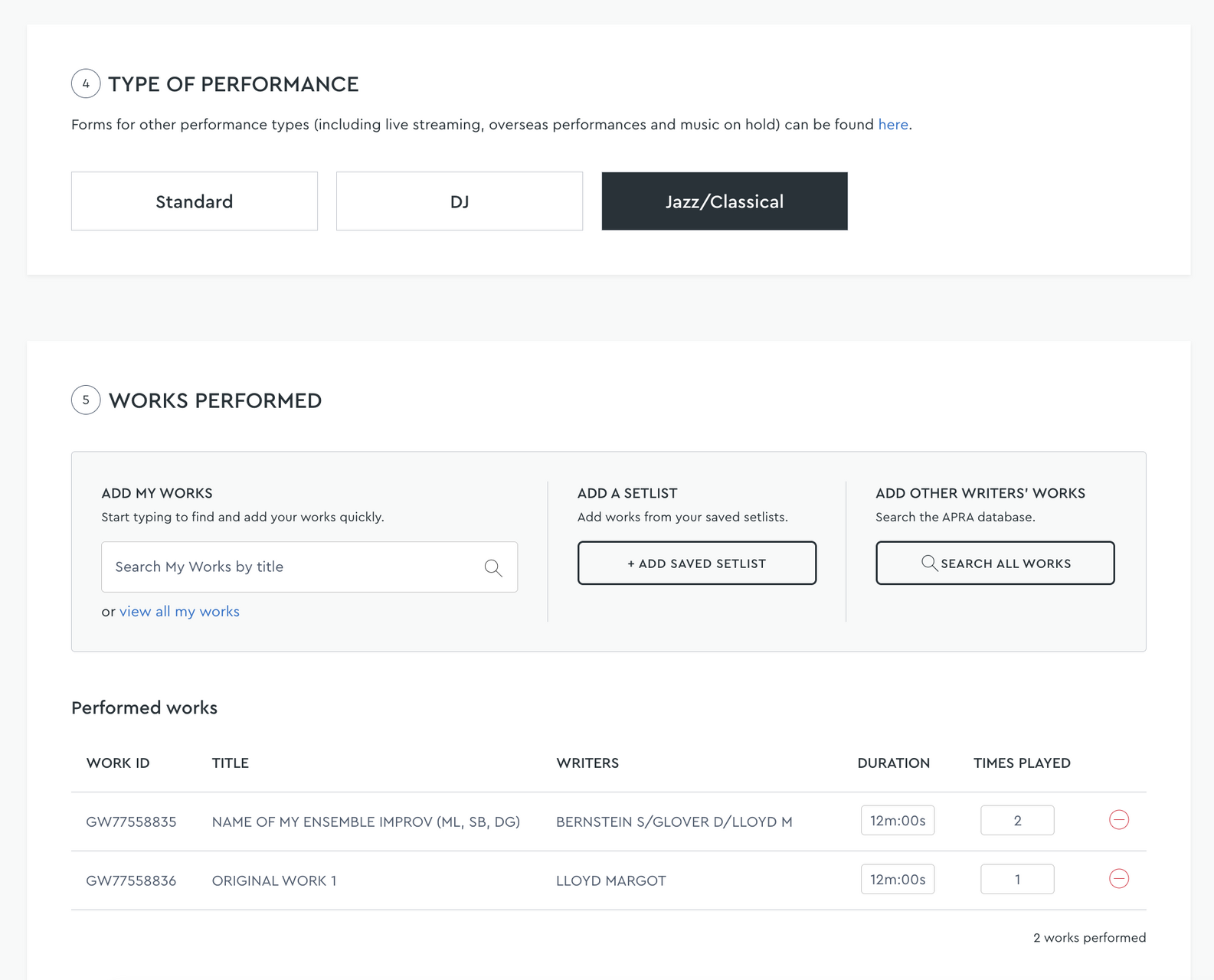
Select Jazz/Classical type of performance. Then add the works performed.
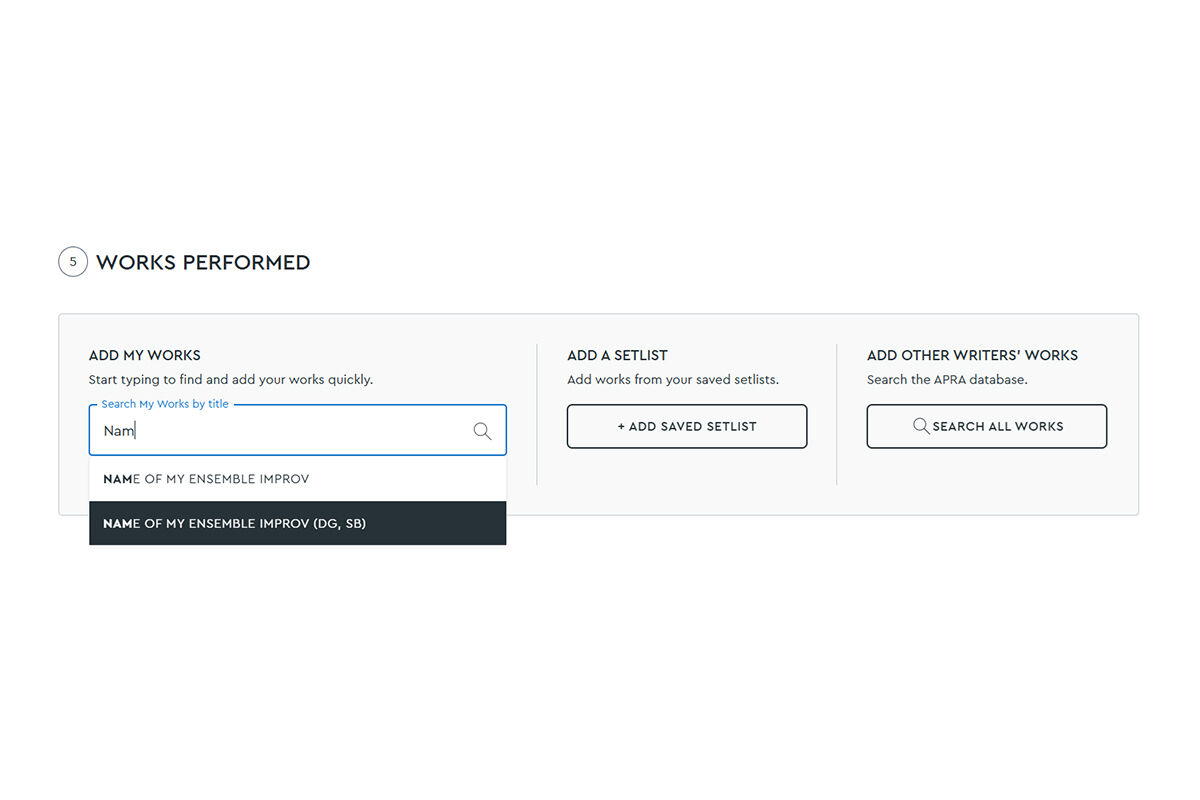
Then select the works you performed, with the corresponding players' initials, if relevant.
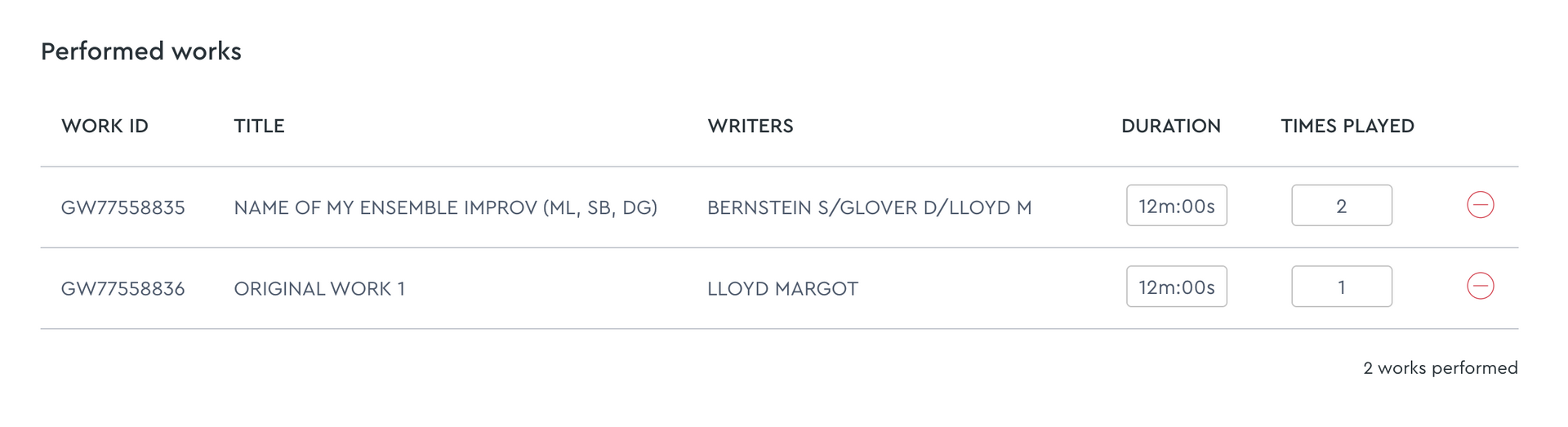
Continue adding the works performed. Edit the duration and amount of times played.
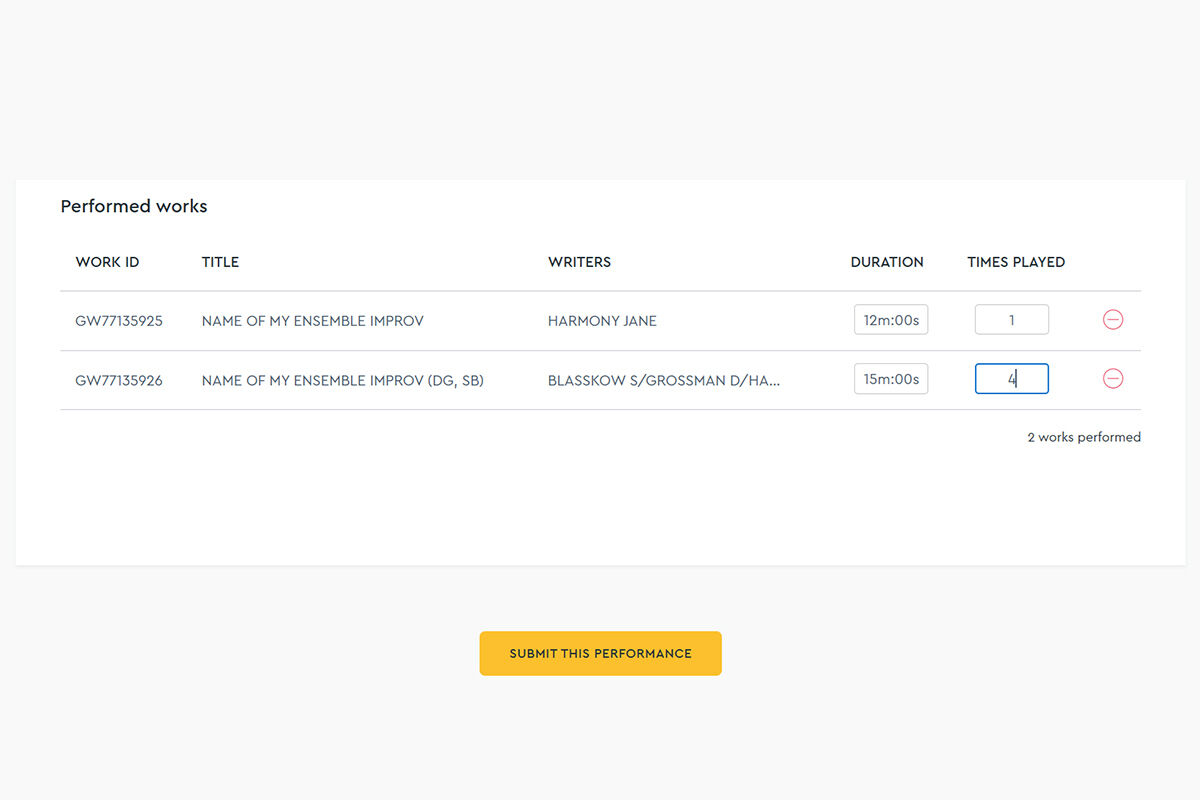
Repeat Use Is Allowed
The same improv registration may appear multiple times within a single claim if it was performed multiple times.

Watch Leah Berry submit her improvised jazz performance reports
3. Summary Checklist
When Registering
- Work title uses “ENSEMBLE NAME IMPROV” format
- Add initials to title if rotating members
- Allocate correct shares to all improvising ensemble members
When Claiming
- Select 'Jazz/Classical' in Performance Type
- Submit original work and the improv registration in live performance set list.
- Duration for improv is taken from the LPR
- Same improv can be claimed multiple times
- Questions? Get in touch at [email protected] if you have any questions or need to clarify how to submit your improvised jazz Performance Report.
Frequently asked questions
How do I copyright and register my works?
Copyright and registration are two separate things.
Copyright is free and automatic.
That's right—you don’t have to do anything to ‘get’ copyright; it's there from the moment you write down or record the song. So as soon as you create a new song or piece of music, you have copyright in it.
Register works with APRA AMCOS.
To ensure you receive royalties when your work is played or performed, you must register your songs and compositions through the Writer Portal or App.
Can I change my song or work after it is registered?
You can make updates to the duration of a work, as well as add a new ISRC or Alternative Title via the App or Writer Portal on the web.
Just click on the work you wish to update and you can make changes by clicking Edit or + next to the relevant part you're updating.
To make changes to titles and/or the splits on a work, you will need to reach out to our Works Registration team.
In order to change other information on a work registration we need an email request, to be processed by our Works Registration team.
Please send the following information to [email protected]
1️⃣ The current work title
2️⃣ The work's WorkID (normally starts with GW)
3️⃣ Your name
For any element(s) you wish to change (such as titles or splits):
- What we currently have, and
- What you want it changed to
❗ Please cc any co-writers into this email, for major changes we will need all co-writers to approve.
If I improvise at my gig, how do I submit these?
You can claim Performance Report royalties for improvisations as long as the musical work is in a material or tangible format - and therefore protected by copyright. The works need to be registered so that you can submit them in your Performance Report.